New Billing module with payment links and Pix Boleto issuance via API
Full control of your billing: manage one-off payments, apply interest and late fees flexibly and scale Pix Boleto generation via API.
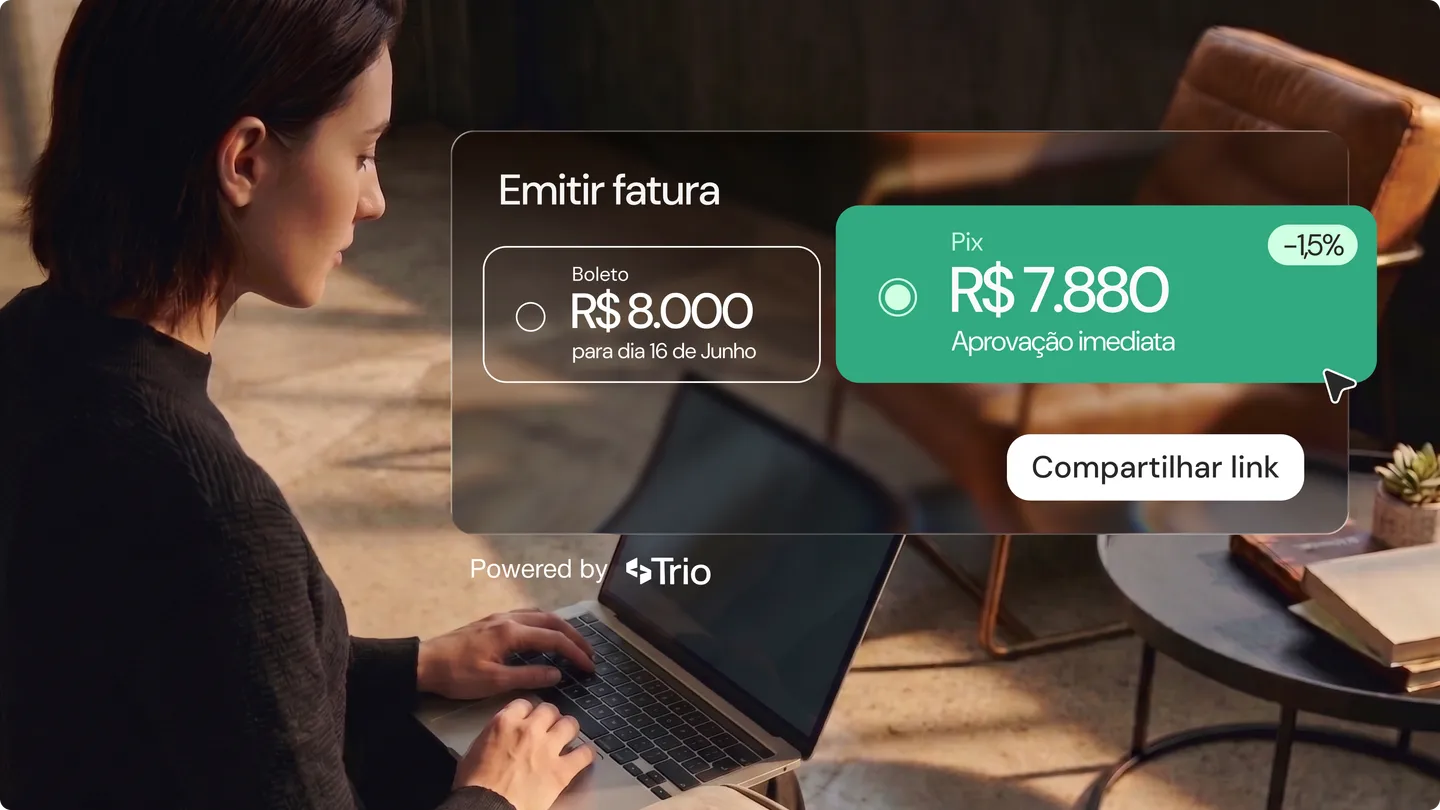
Manage one-off receivables, set up interest and late fees, and scale Pix Boleto issuance via API.
Hello, we have important news for your operation!
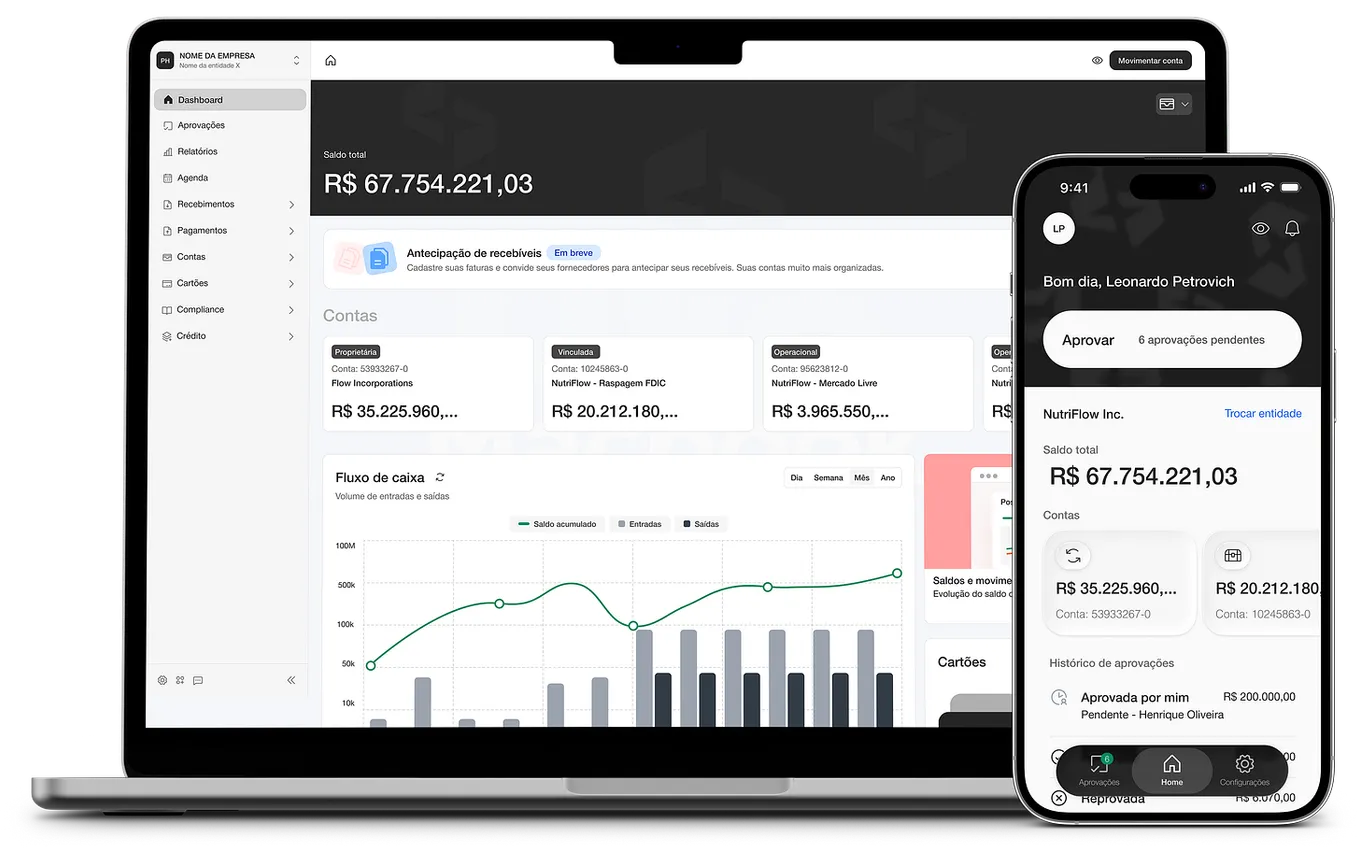
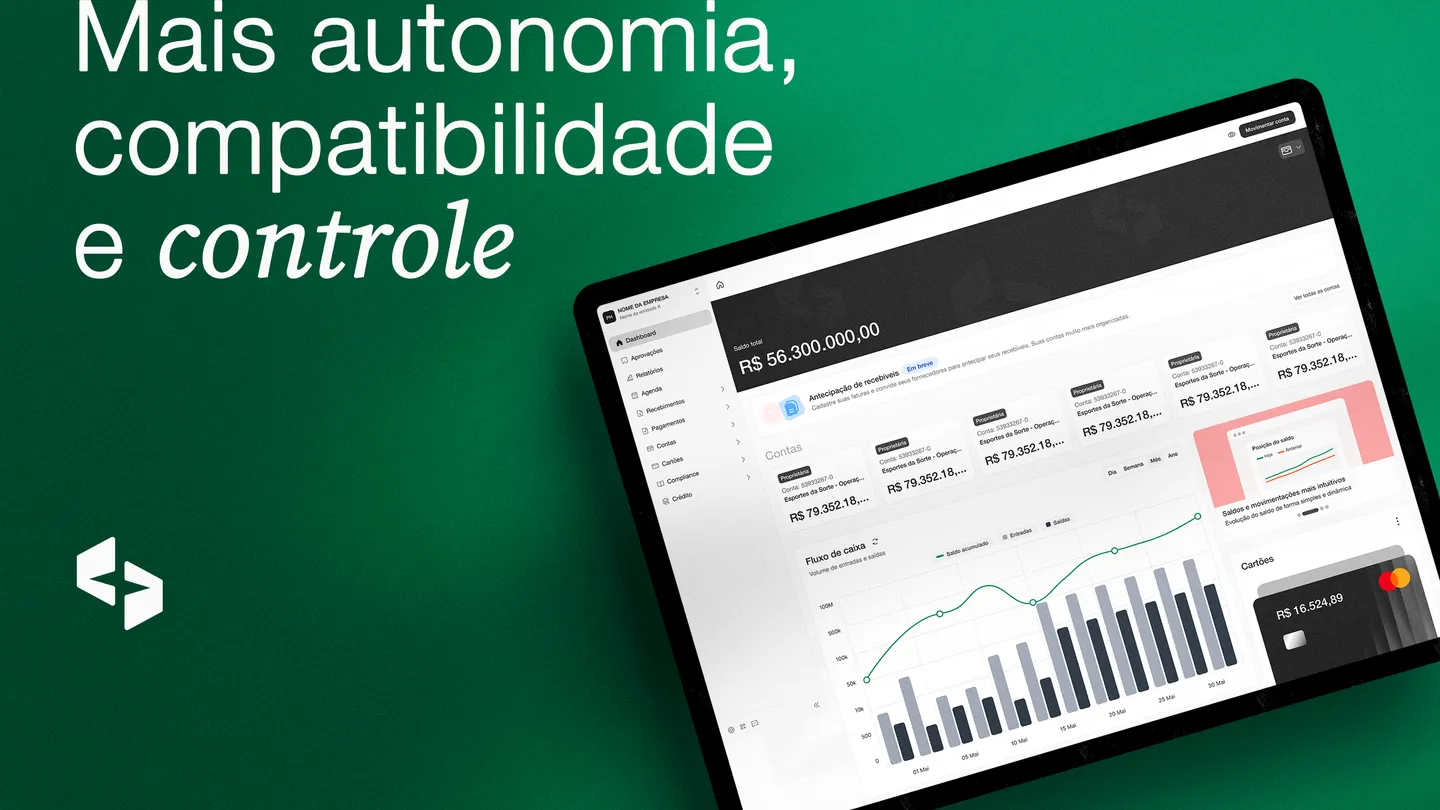
In this update, we focused on bringing more efficiency and control to your collection process. Trio’s new Billing module is now available! From now on, you can manage one-off charges even more completely, with payment link generation, boleto issuance and detailed configuration of financial parameters.
Check out the details:
1. Payment links for one-off charges
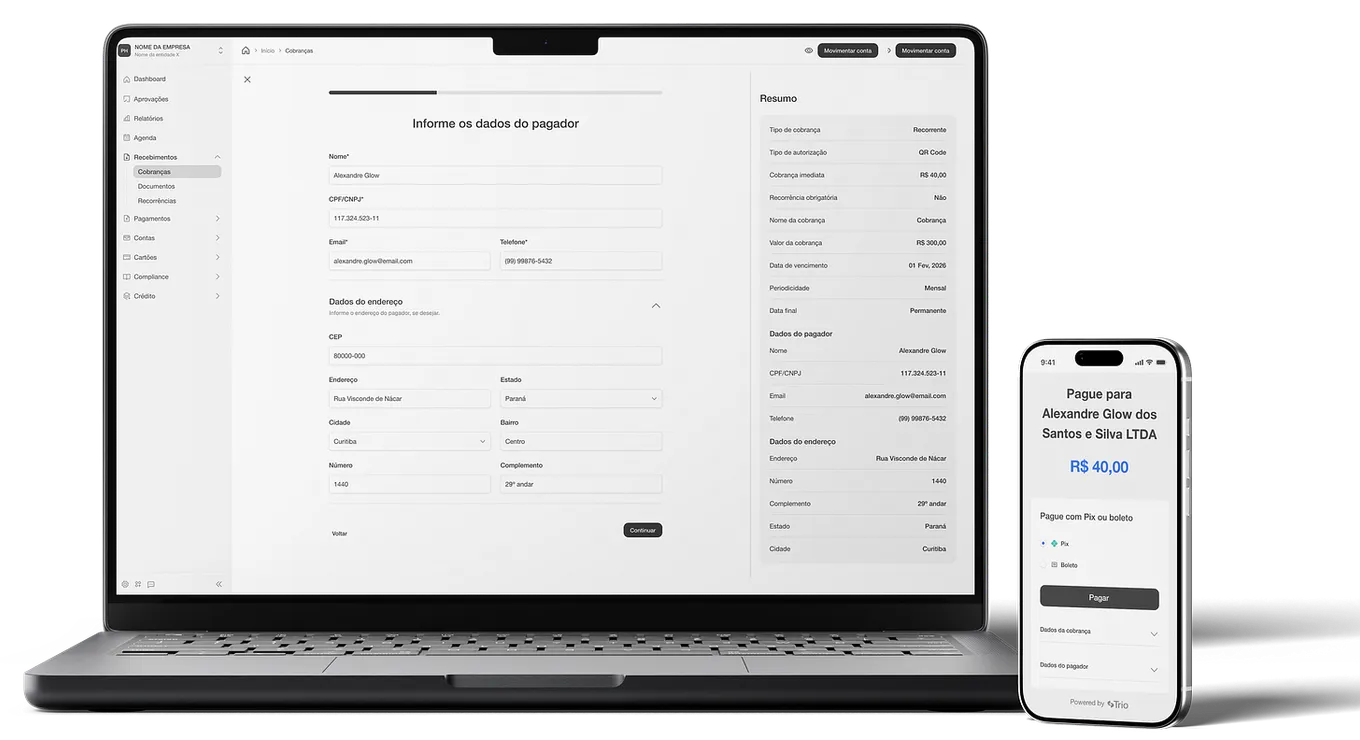
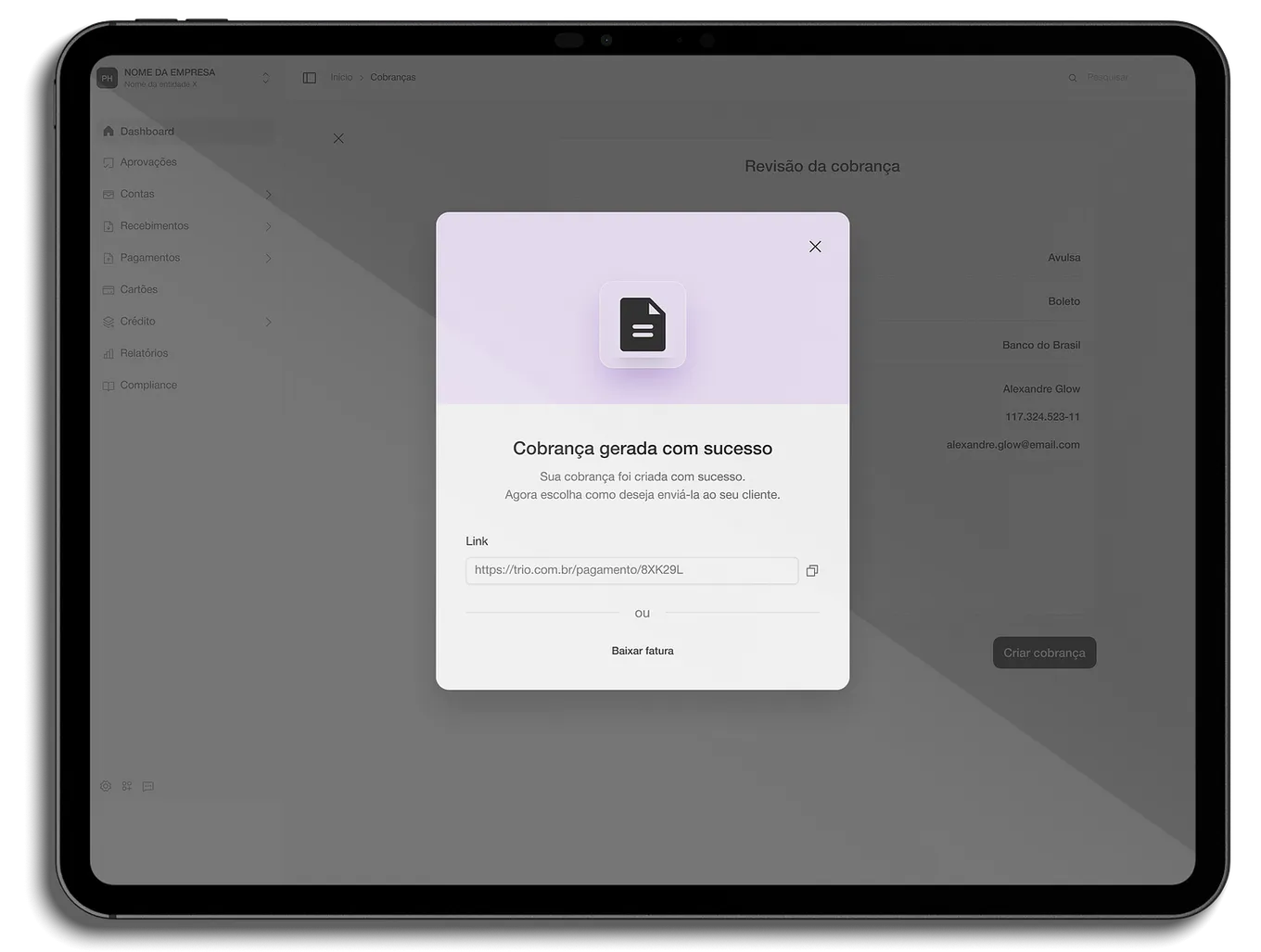
The new option lets you create one-off charges (single transactions with a fixed amount) and automatically generates a payment link you can share with your customer, so they can pay through an external checkout.
2. Payment flexibility: Pix and boleto
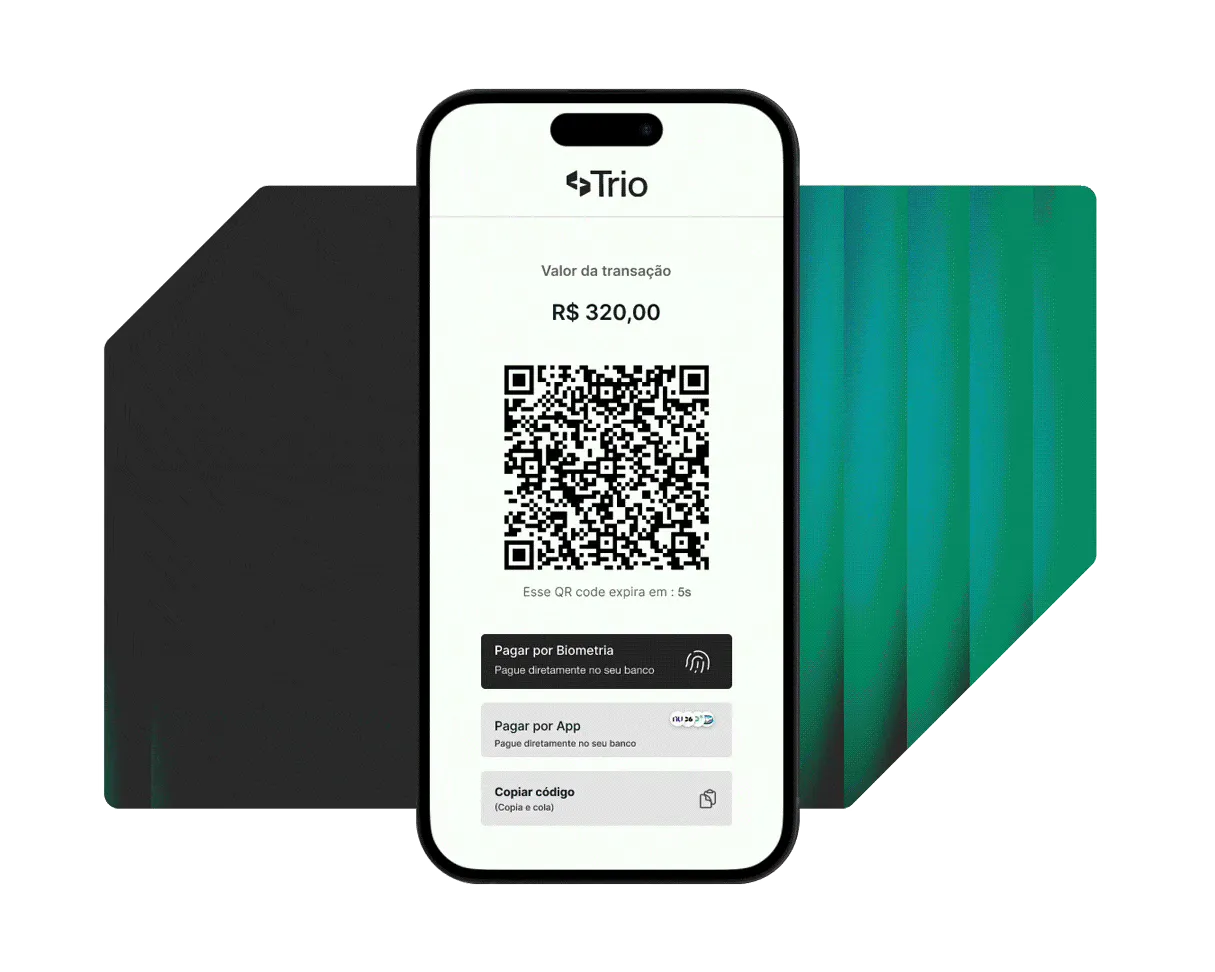
Give your payer the power of choice. When you create the charge, you can enable payment via boleto (Brazil’s bank payment slip), Pix (Brazil’s instant payment system) or both. At checkout, the experience adapts to the choice:
- Pix: Instantly displays the QR code and the “Copia e Cola” (copy-and-paste) code.
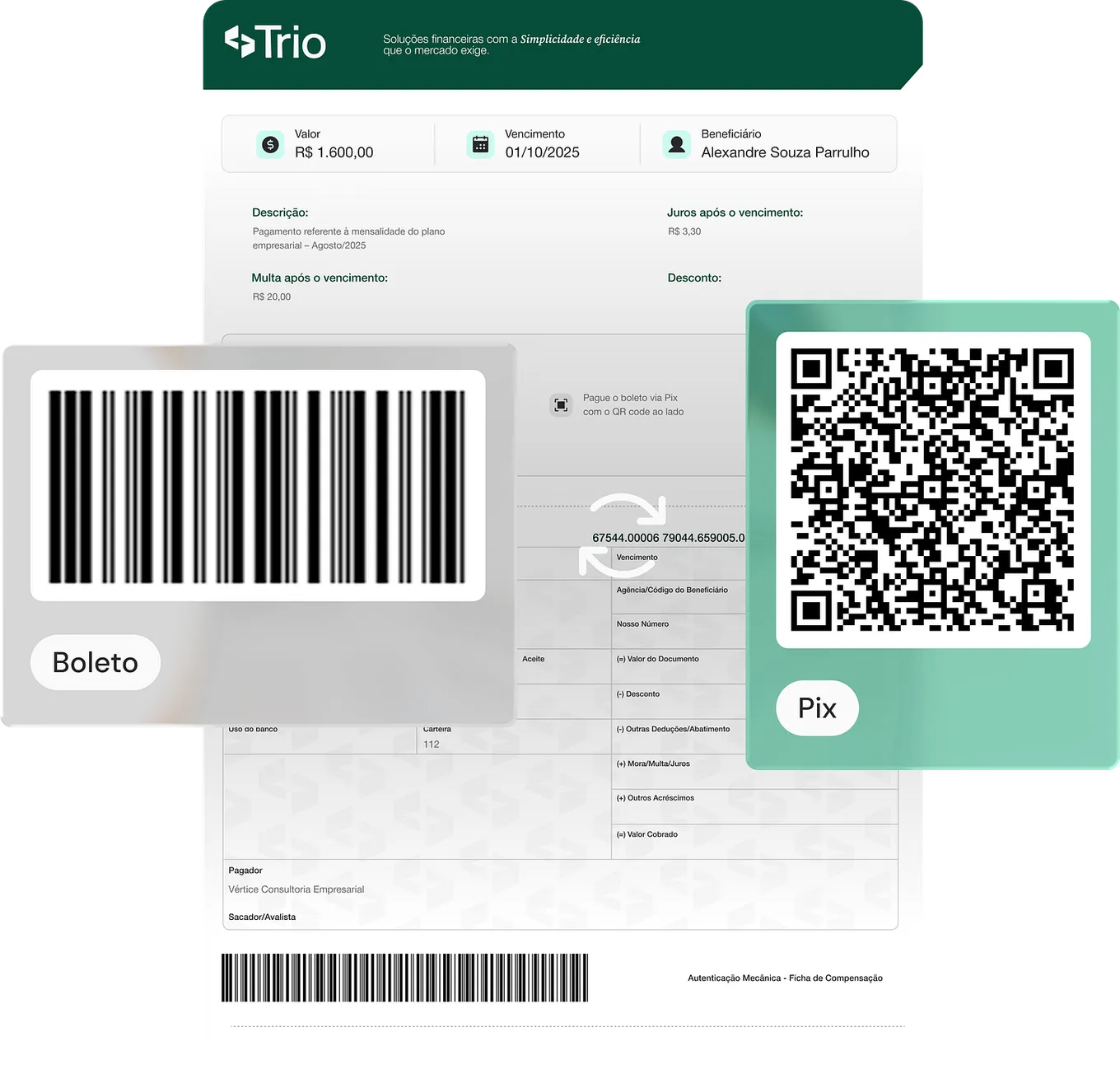
- Boleto: Shows the traditional Pix Boleto barcode
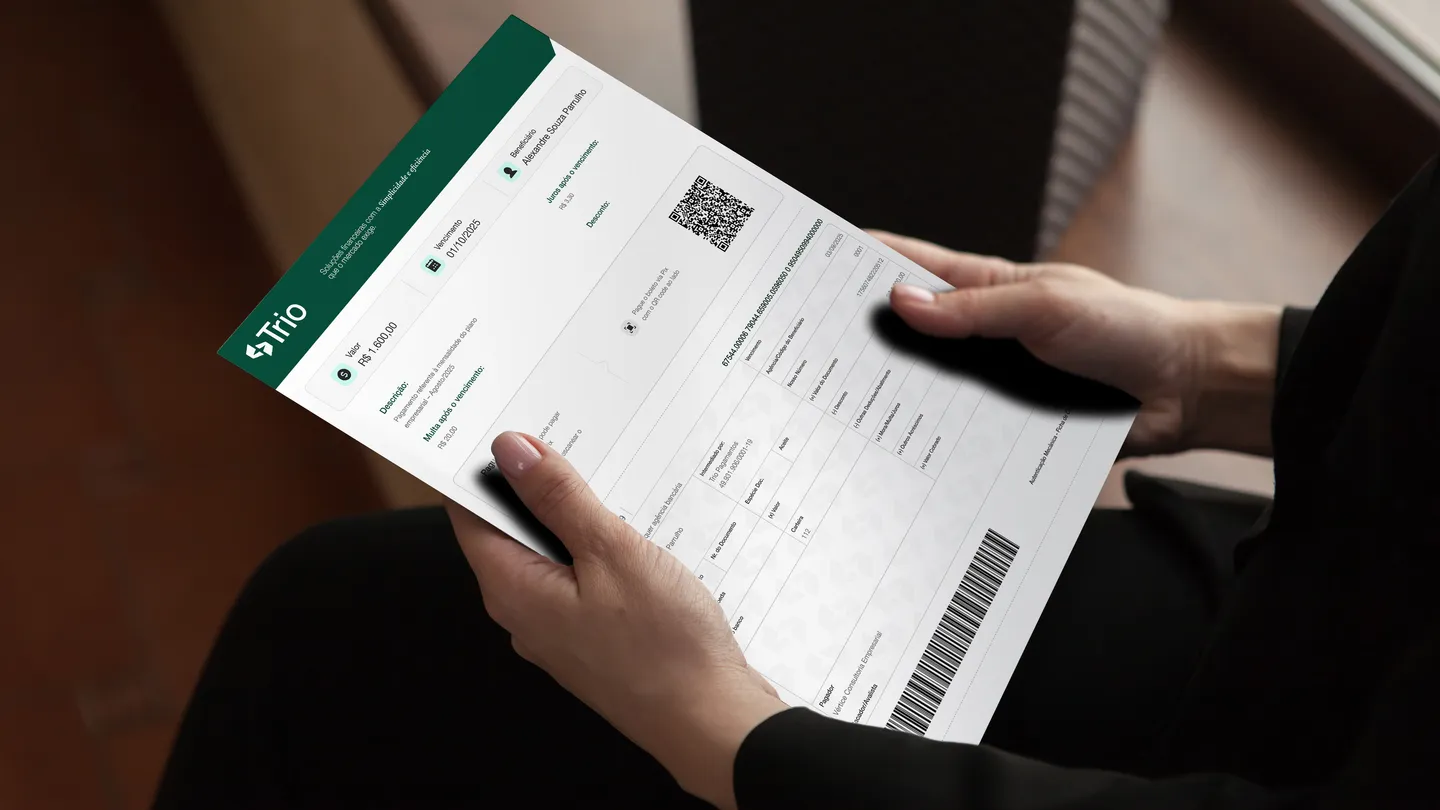
Pix Boleto
To provide maximum flexibility and avoid friction at payment time, every boleto issued through Trio comes with a Pix QR code on the document itself. So even if the option initially chosen is the boleto, your customer can still pay instantly via Pix if they prefer!
3. Automate receivables with Pix Boleto via API
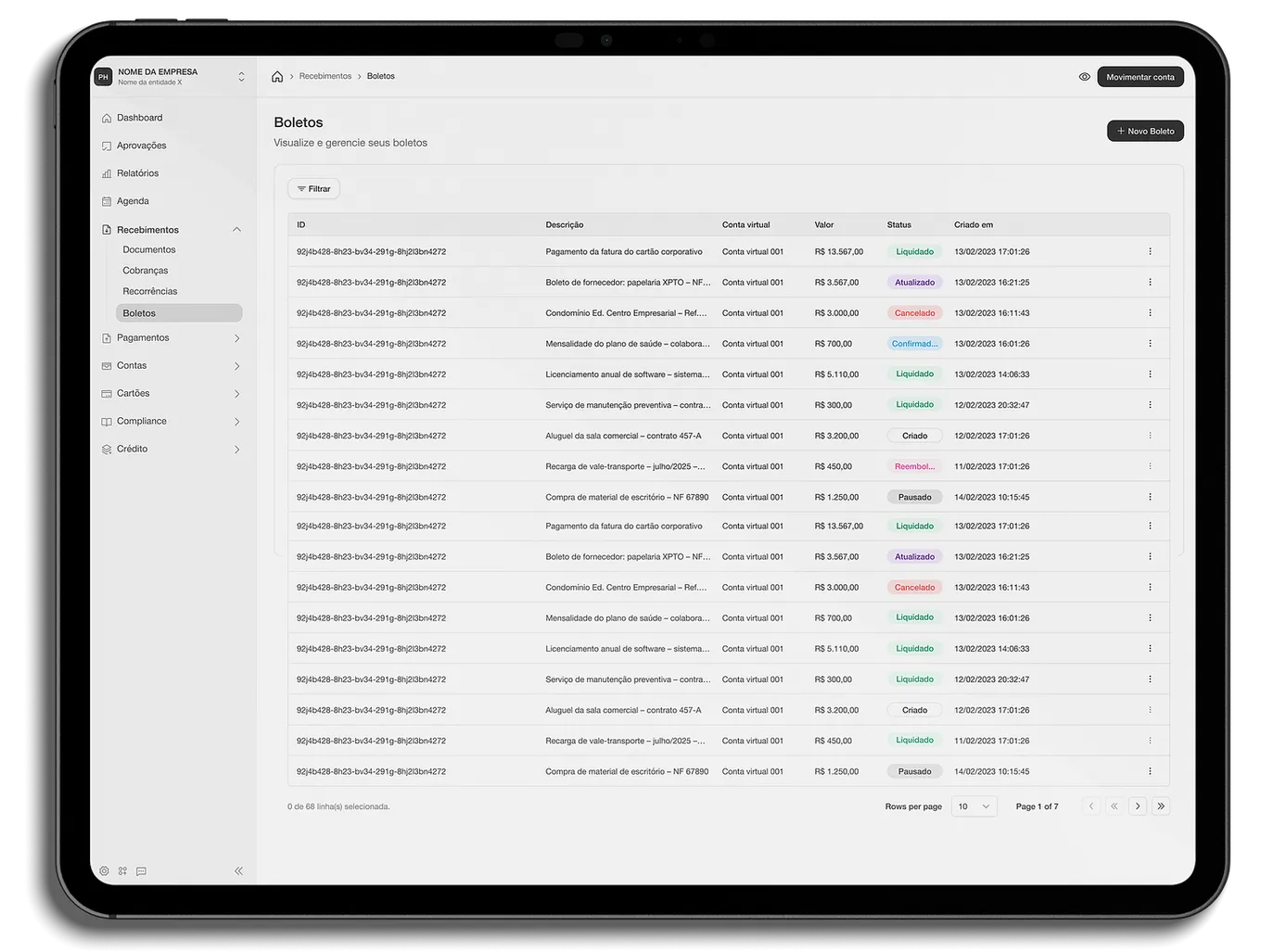
Building on these billing updates, we’re officially rolling out a robust, scalable solution to all our clients: automated Pix Boleto issuance via integration.
If your business handles a high volume of incoming payments, generating charges manually isn’t the best way to go. With our API, your system (ERP) talks directly to Trio, eliminating repetitive tasks and automating your payment pipeline.
Key advantages:
- Full customization per customer: You can generate charges in batches but send different parameters for each one. You can set amounts, interest, late fees and due dates specific to each customer, based on the data already in your ERP.
- Instant, transparent generation: The integration lets your system send a command and receive the URL of the generated Pix Boleto in real time. This is ideal for flows that require a fast response for the end user, such as registering a new subscription or service. In these cases, your system triggers the charge and our API instantly returns the boleto link, ready to be sent by email or displayed on the checkout screen for your customer, however you prefer to customize it.
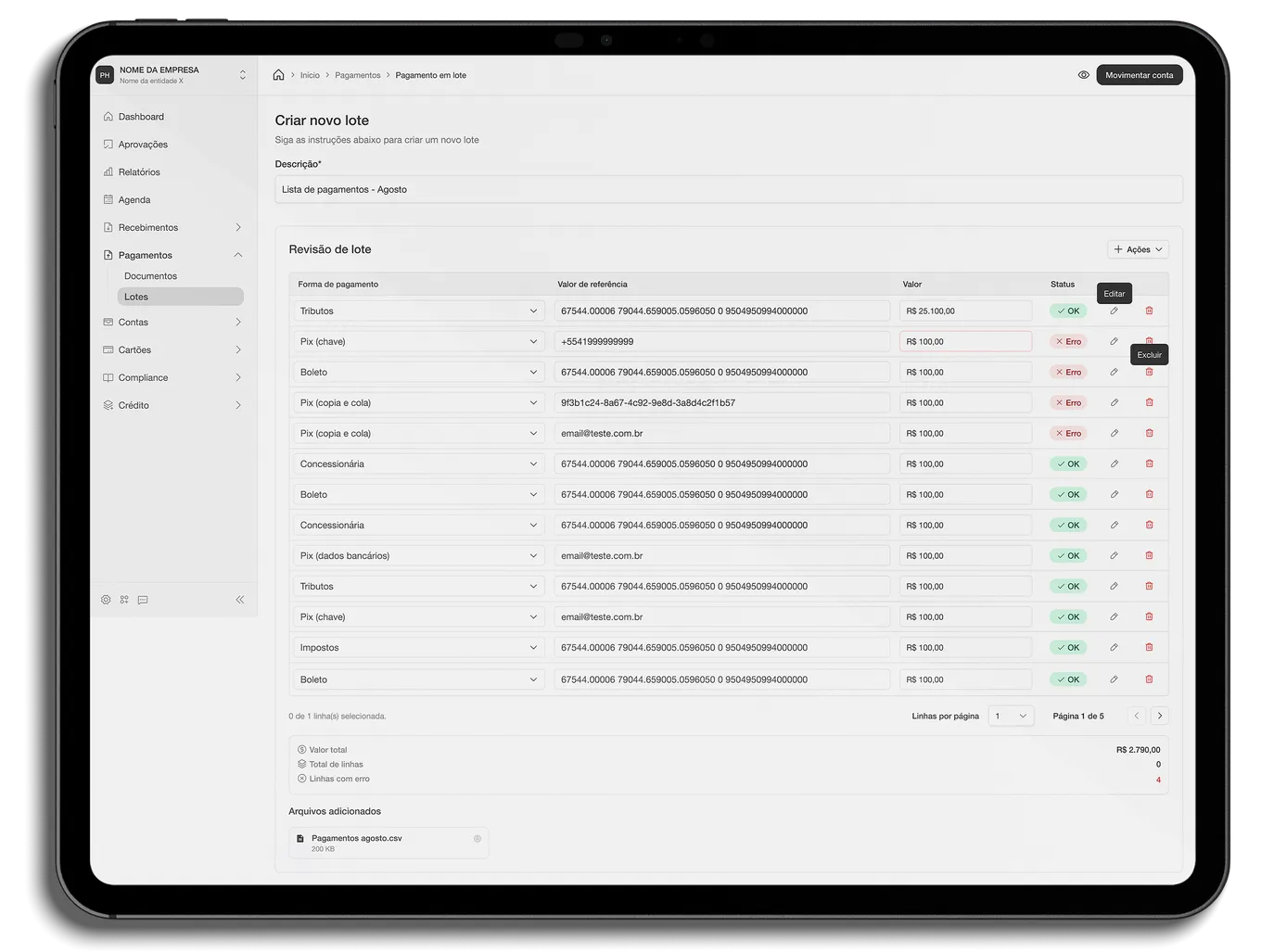
- Multiple issuance with future due dates: The API is ready to receive commands to issue multiple documents at once, with different amounts, due dates and rules according to your ERP data, making long-term payment management easier. When a customer signs up for an ongoing service, such as an annual plan or an installment booklet (carnê), for example, your system can generate all 12 Pix Boletos in a single request, already setting the due dates for each of the following months with the interest and late-fee rules you defined for that customer.
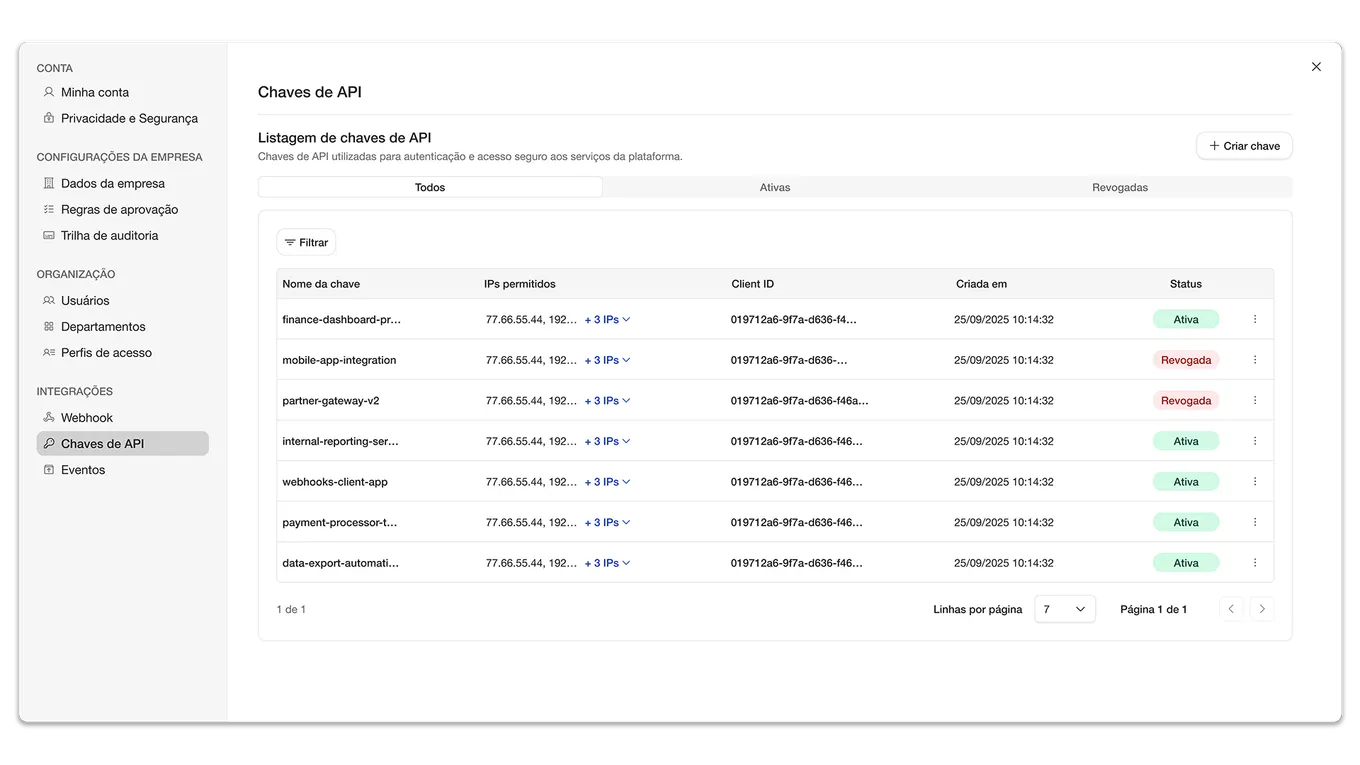
To explore the technical details of the integration, understand the issuance parameters and connect your system, see the official Trio API documentation.
4. Complete management: interest, late fees and invoices
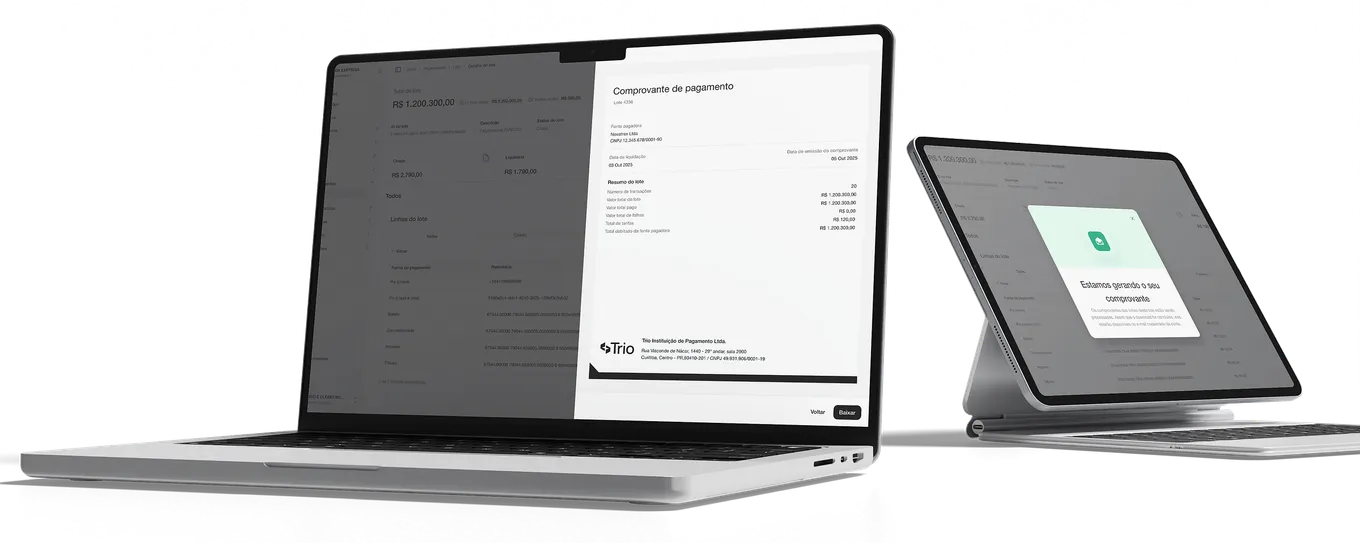
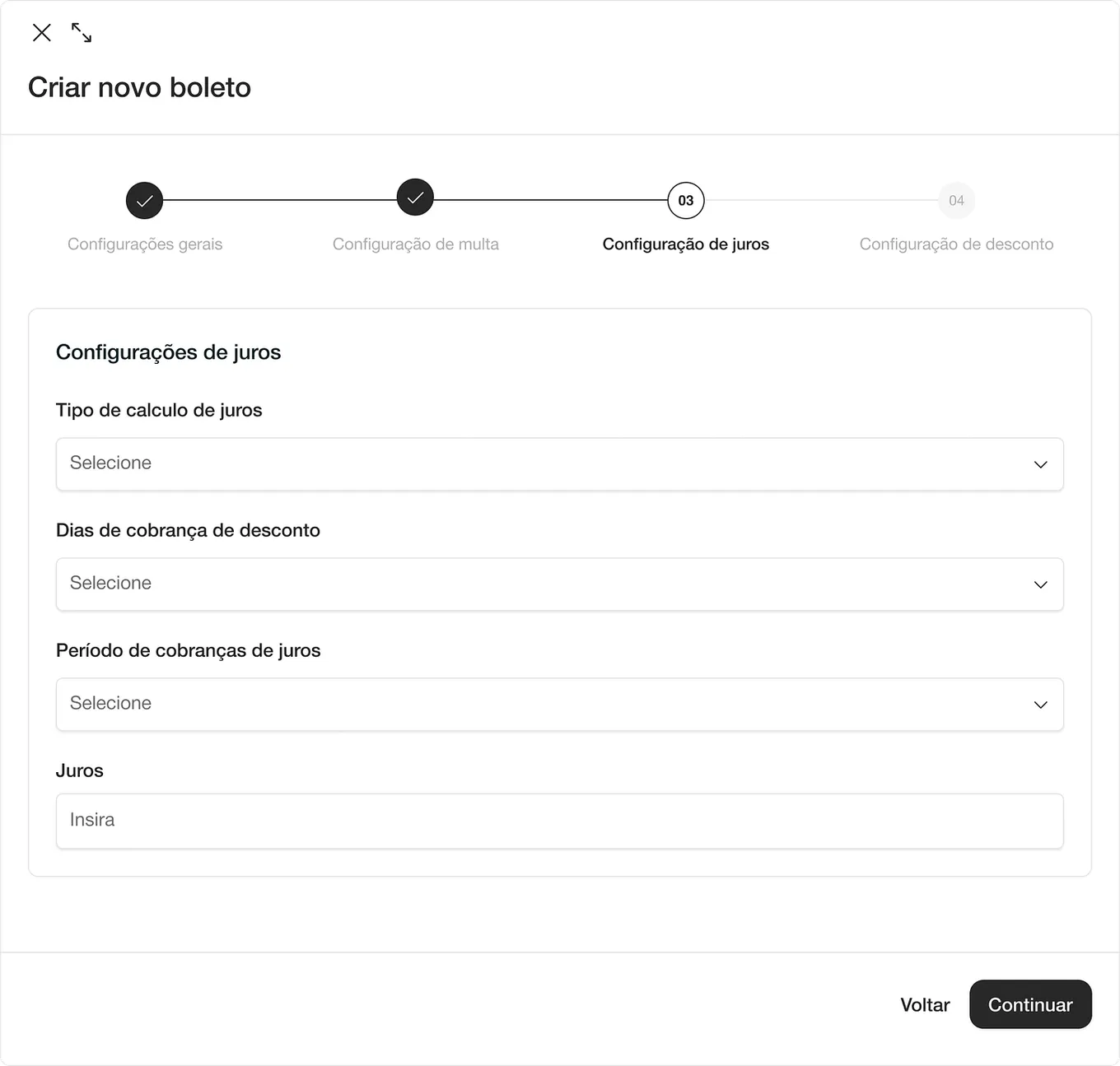
Directly in Internet Banking, you can set interest (percentage) and late fees (fixed amount or percentage), parameters that apply to the charge regardless of the payment method chosen (Pix or boleto). In addition, the platform generates an official invoice for the transaction, which serves as a formal billing document and also contains the integrated payment link.
The invoice works as a billing document: you can send your customer the invoice for a one-off charge, and they can open the payment link directly from it.
Integration with your ERP: Use the External ID field when creating your charge. This customizable identifier makes it easier to reconcile and organize your charges in your ERP system.
5. How to create a one-off charge
The creation flow is direct and intuitive:
- Open the creation menu and set the destination account.
- Enter the charge details (title, amount and payment method).
- Set the due date (the earliest date the system allows is the next day, which ensures correct processing).
- Fill in the payer’s required details (name, CPF, email and phone). Note: When you enable the boleto option, the address becomes required.
- Review the summary, confirm and you’re done! Your link and invoice will be available.
- You can also easily track the status of each transaction (Created, Paid or Overdue) directly in the charge details.
6. Tracking charge status
To make managing your cash flow easier, you can track the status of each transaction visually and directly in the charge details. The system lets you view and filter your charges by status:
- Created: The charge has been generated and is awaiting payment.
- Paid: The payment was received successfully.
- Overdue: The payment deadline has passed.
That way, you have full control over what has already come in and what is still pending, all in the same interface.
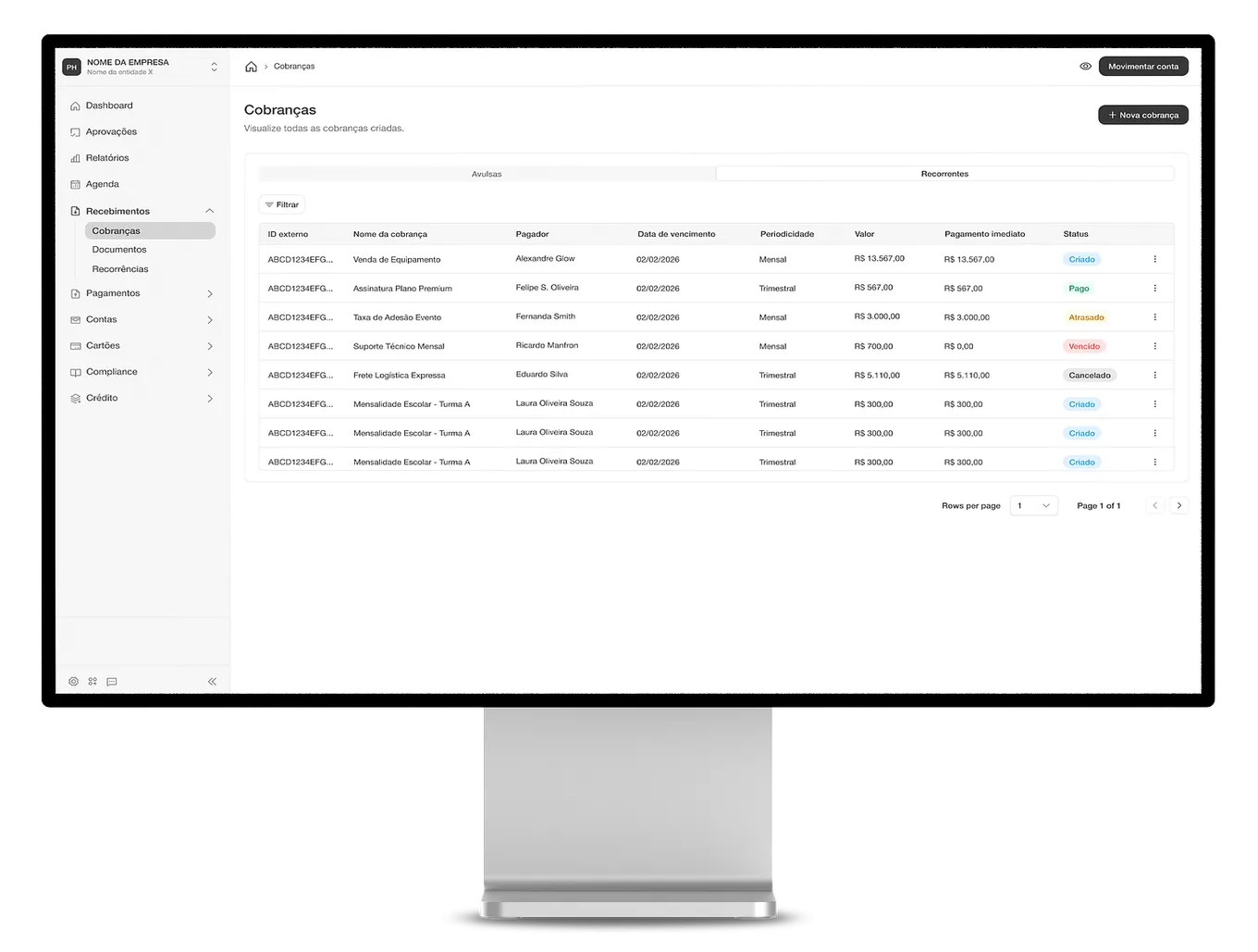
While the API handles the heavy, intelligent automation behind the scenes, the new Billing module in Internet Banking is there for you to manage one-off and occasional charges visually. Two solutions to give your finance team full autonomy!
We hope you enjoy the new features!
Until next time,
The Trio Team